
Set Work
- Go to Set Work and choose a class.
- Choose a topic. You'll only see topics your pupils can reach with your school's licences.
- Choose the steps: Learn, Practise and the Quiz, or just some of them.
- Add a due date if you like, and press Set This Work.
Your pupils see it first on their home page, under "Set by your teacher".
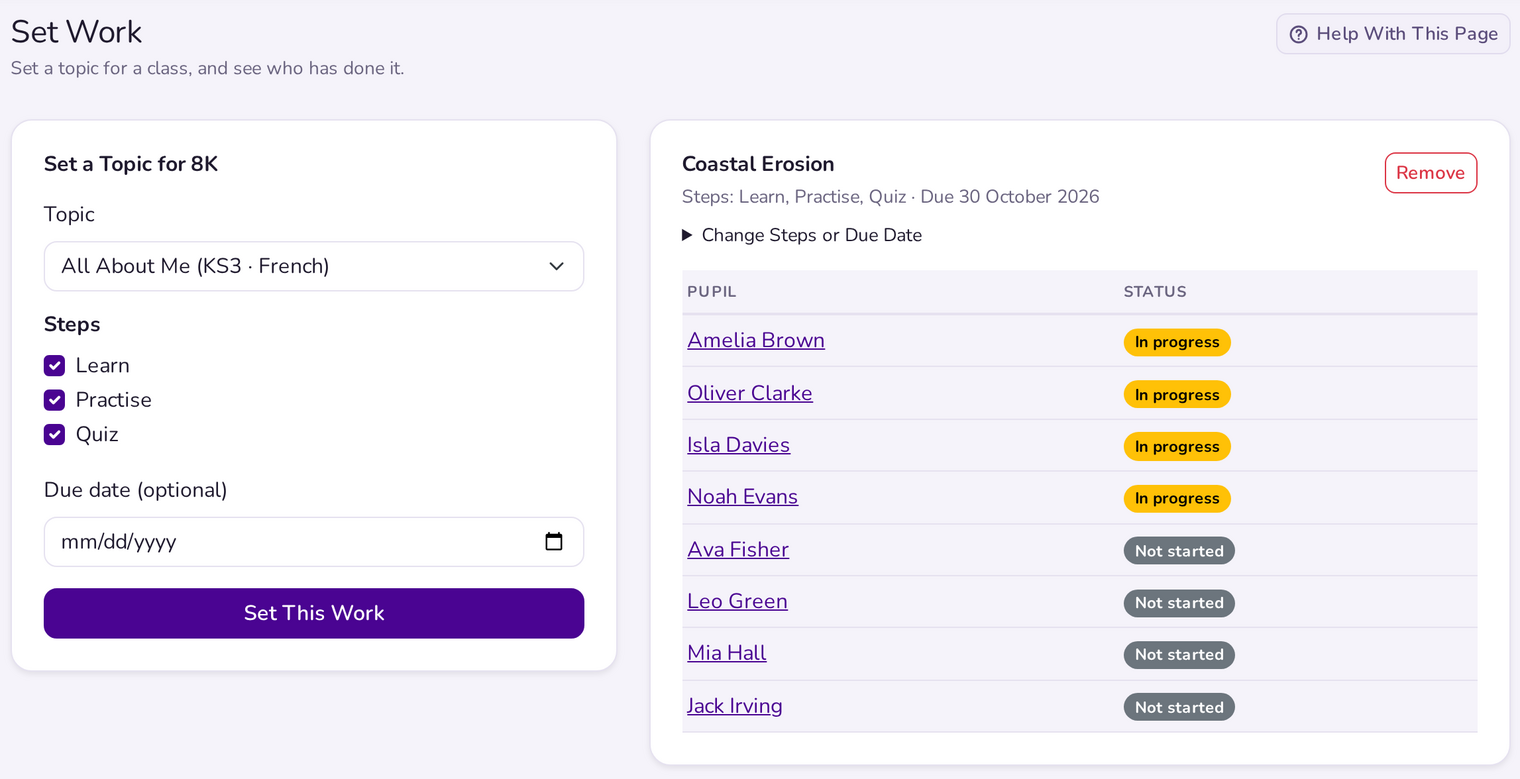
Track It
Each pupil shows as not started, in progress, done or overdue. Press a pupil's name to see their progress. Under Change Steps or Due Date you can change either at any time and press Save Changes, or press Remove. Removing work never deletes anything a pupil has done.