
Welcome to Oaka Digital! Every topic has three steps. Do them in order, a little at a time.
1. Learn
Read the sections.
- Press the arrow to go to the next section.
- Press Listen to hear a section read to you.
- Press Keywords to see what the important words mean.
- Some sections are a whole page. They show on their own. Tap the page, or press See It Bigger, to see it full size. On a phone you can move around it with your finger. Press Close when you're done.
2. Practise
Fill in the missing words in sentences about the topic.
- Choose a word from the word box for each gap.
- Press Check My Answers.
- If a word isn't right, press Look at Section to find the answer, then try again.
- Still stuck after two tries? Press Show Me and the word is filled in for you.
3. Quiz
Answer the questions, one at a time. At the end you can see what you got right, look back at the sections, and have another go at just the ones you missed.
More Ways to Practise
Want more? Look for More Ways to Practise on the topic page. There are crosswords, word searches and other puzzles. See Activities for how each one works.
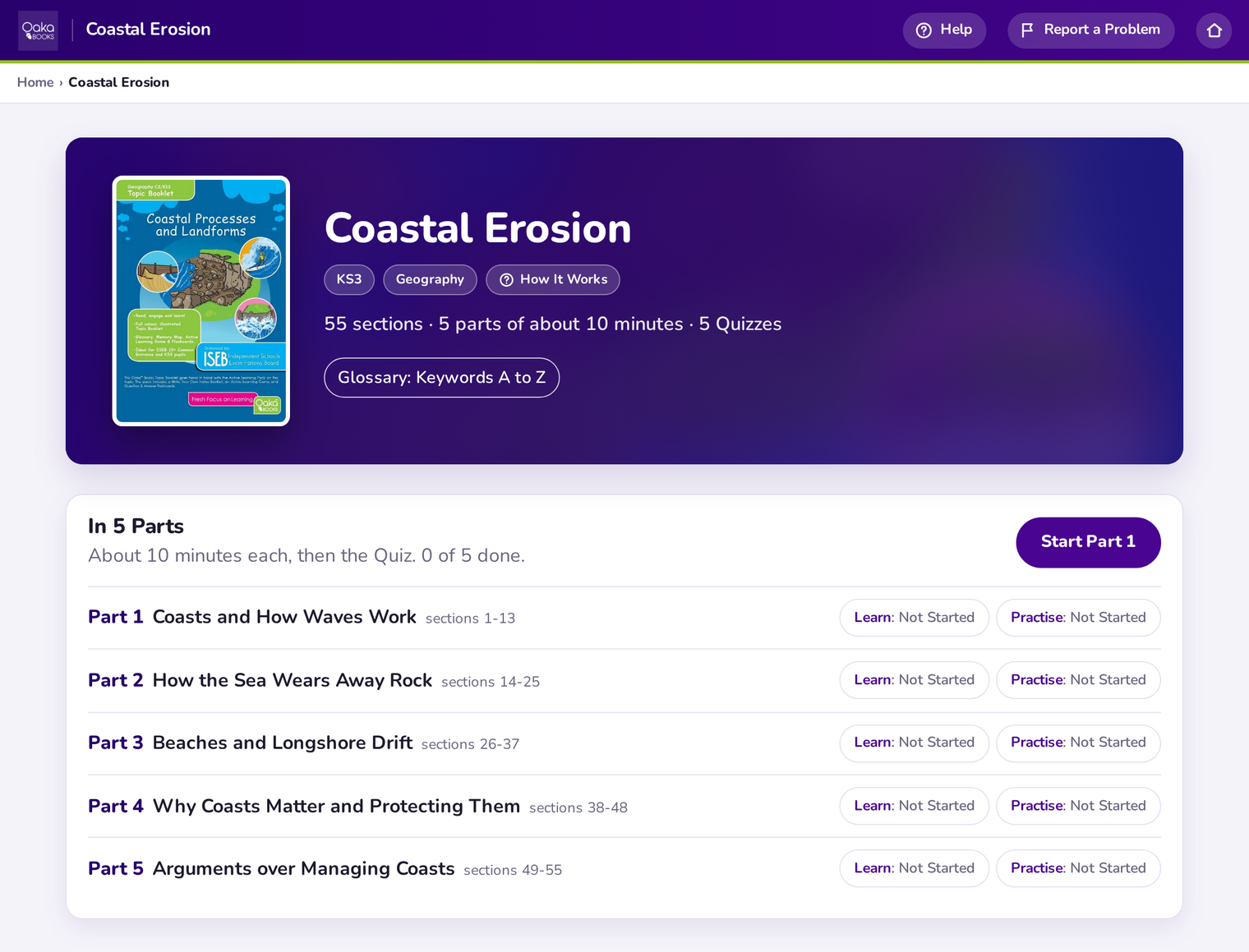
Parts
Big topics are split into parts of about ten minutes each. Your topic page shows the parts and a button to start the next one. When you finish a part, you can stop and come back later. Oaka remembers where you got to.
When You Finish
When you have done all three steps of a topic, you get a certificate with your name on it.
Help is at the top of every page if you get stuck. This page is what the welcome box on your home page said, so you can read it again any time.